


side projects · built with AI

playground

AI became a big chunk of my week, at work and at home, so I started building with it. Small things, mostly for problems I actually have. Try them, or watch the videos.

Natalia as a kid, lounging in a hammock
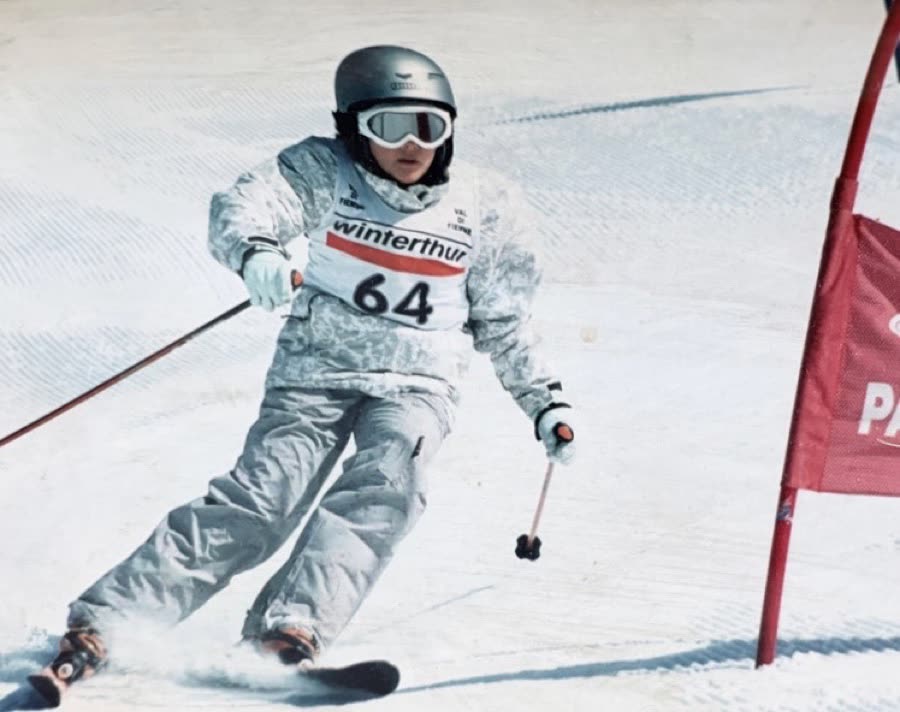
Natalia ski racing as a kid
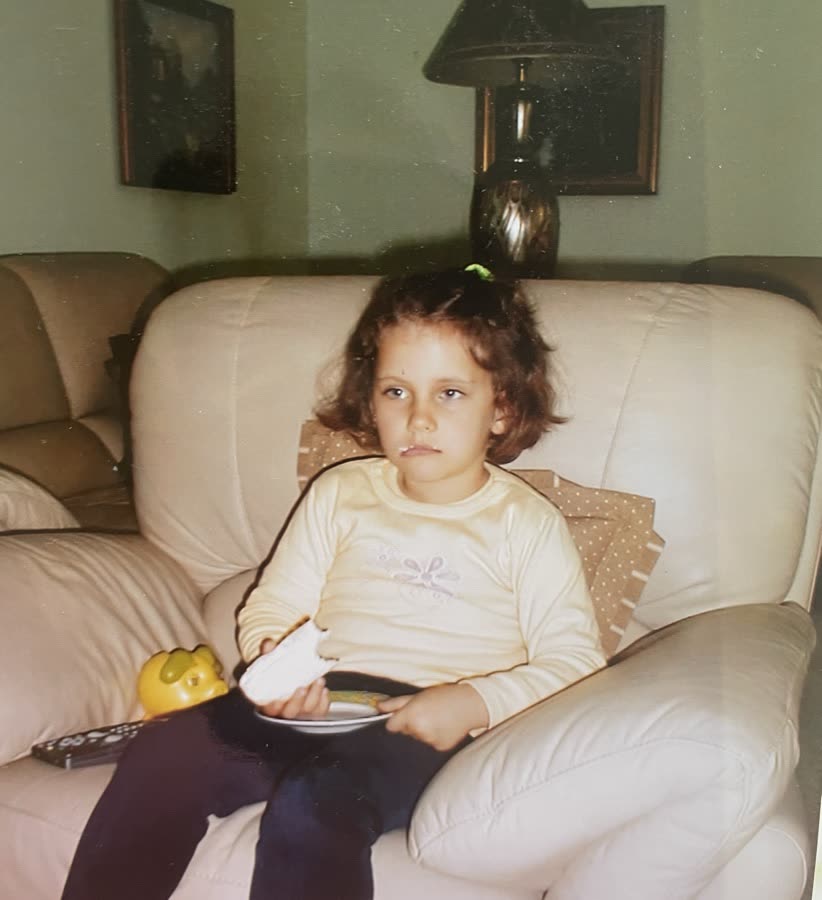
Natalia as a kid on the couch with a snack
Natalia as a toddler in a red jacket
Natalia as a kid at a birthday party

1000 Spanish words, in the order people actually say them.

Every app I tried spent my first week on fruit and colours. Words I could read off a menu, never the ones carrying a conversation.

So I built the deck I wanted: 1130 words ranked by how often people actually say them, drawn from 27 million words of film and TV subtitles. Sort them by how well you know each one and it spaces the reviews from there. No sign-up, progress lives in your browser.

claude code → supabase → netlify~four evenings

A birthday cake on a circuit board. Make a wish, blow out the candles.

My feed filled up with small devices with real buttons. Then with people vibecoding their own hardware, like a soil moisture checker that could save my plants (all 2 of them, both slowly dying).

So I went to the hardware + AI workshops Claude Community Barcelona ran with Lyra AI and Protofy.xyz. My first results weren’t great. But I kept playing at home, and turned the board into a birthday cake for a friend, so he could kind of make a wish and blow out the candles.

claude + mcp → vento.build → ventothe workshops + ~one hour

Animation with AI, over time

Animation always ate my time. The first time I brought Claude into motion work it stayed slow, and the results looked great in my head and clunky on screen.

This is me showing my work: how I started, and how it’s going. The tools got sharper (Figma, Claude Code, Remotion) and so did I. Watching both lines move together is the point.

Figma → claude code + remotion~three evenings

Photo in. Mosaic pattern out. Tick off tiles as you place them.

I do disco-tile mosaics on paper as a side thing (I like shiny things and needed something manual). Planning the patterns in Figma was slow and the results were rough.

So I built this. Drop in a photo, set the size, tile size and number of colours, and you get a pattern split into tiles you can tick off as you build the real thing. Works for LEGO too.

claude (planning) → claude code → github → vercel~two evenings

Want to build something with AI, or curious how these were made?

natalia.wlwsk@gmail.com →